

tyme
an iOS app that shows how time passes across time zones, so people can plan a quick call without doing the math.
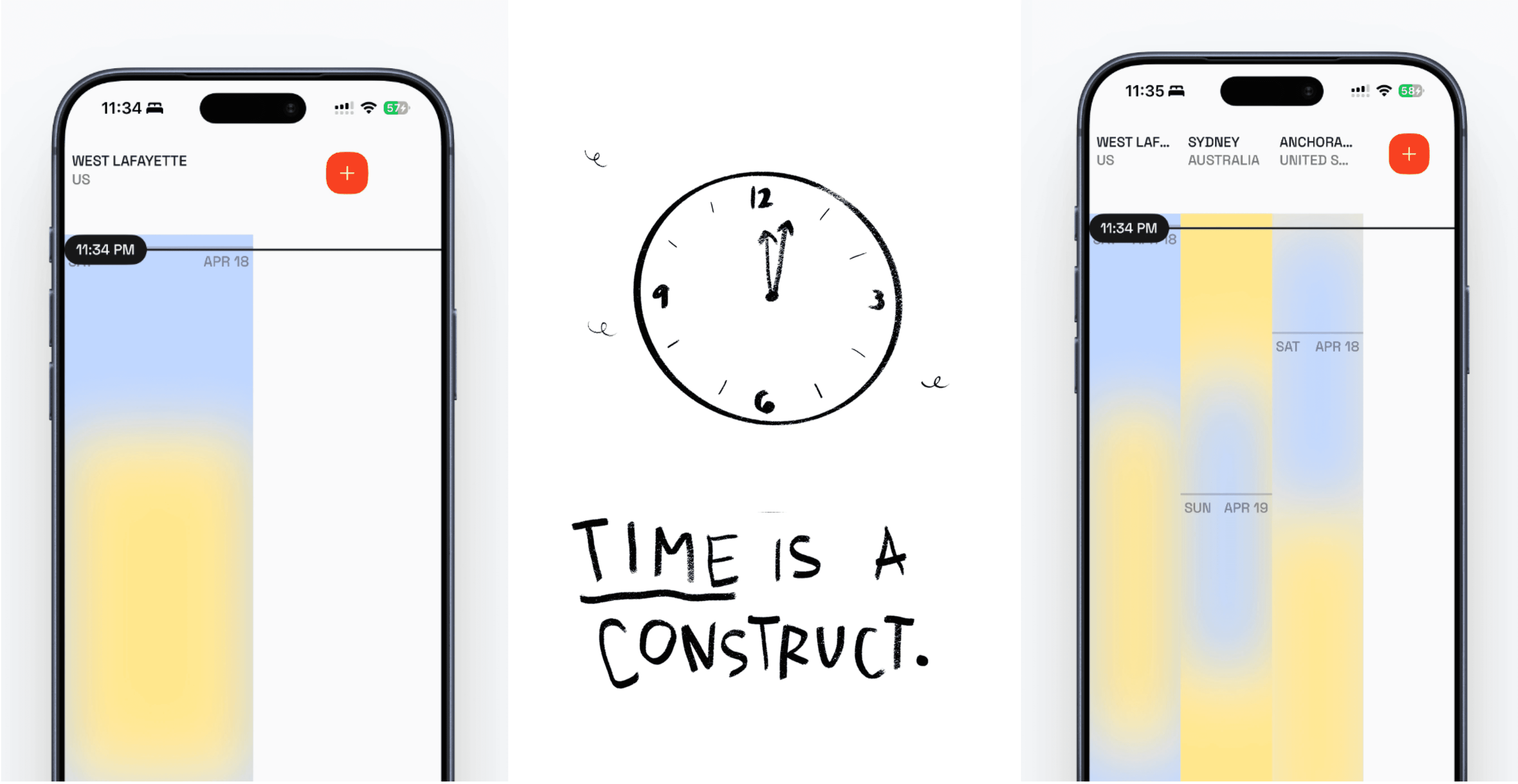
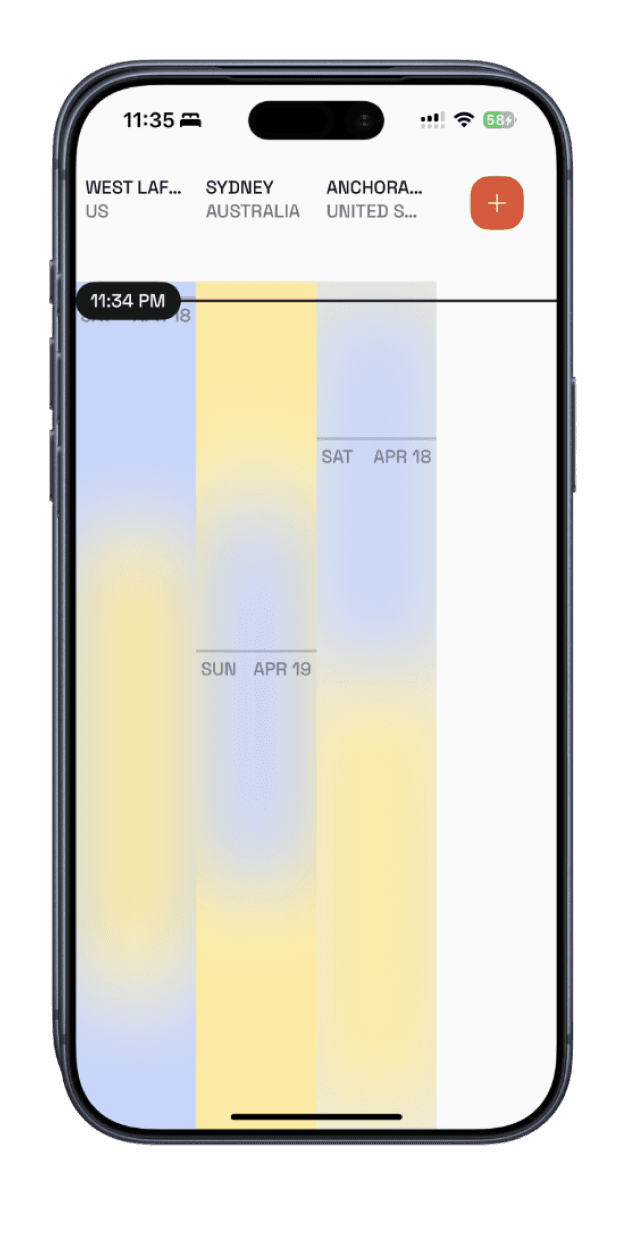
tyme with one city, and with three—each column is a place, coloured by day and night.
ROLE
designer and iOS developer
TEAM
independent project
TIMELINE
[timeline]
RESPONSIBILITIES
co-design research
interaction design and data visualisation
iOS development in SwiftUI
CONTEXT
families scattered across time zones and remote teams decide when to call every day. the tools for it are either built for paid enterprise teams, like Outlook, or slow and full of back-and-forth, like LettuceMeet and Doodle.
THE RESEARCH
05
participants in a co-design workshop.
03
scenarios each participant walked me through, step by step.
02
kinds of tools audited: enterprise calendars and group schedulers.
PROBLEM
time zones are a decision, not a number.
i started from my own assumptions and experience, then tested them: what questions do people ask, and what answers are they looking for, when they convert time zones?
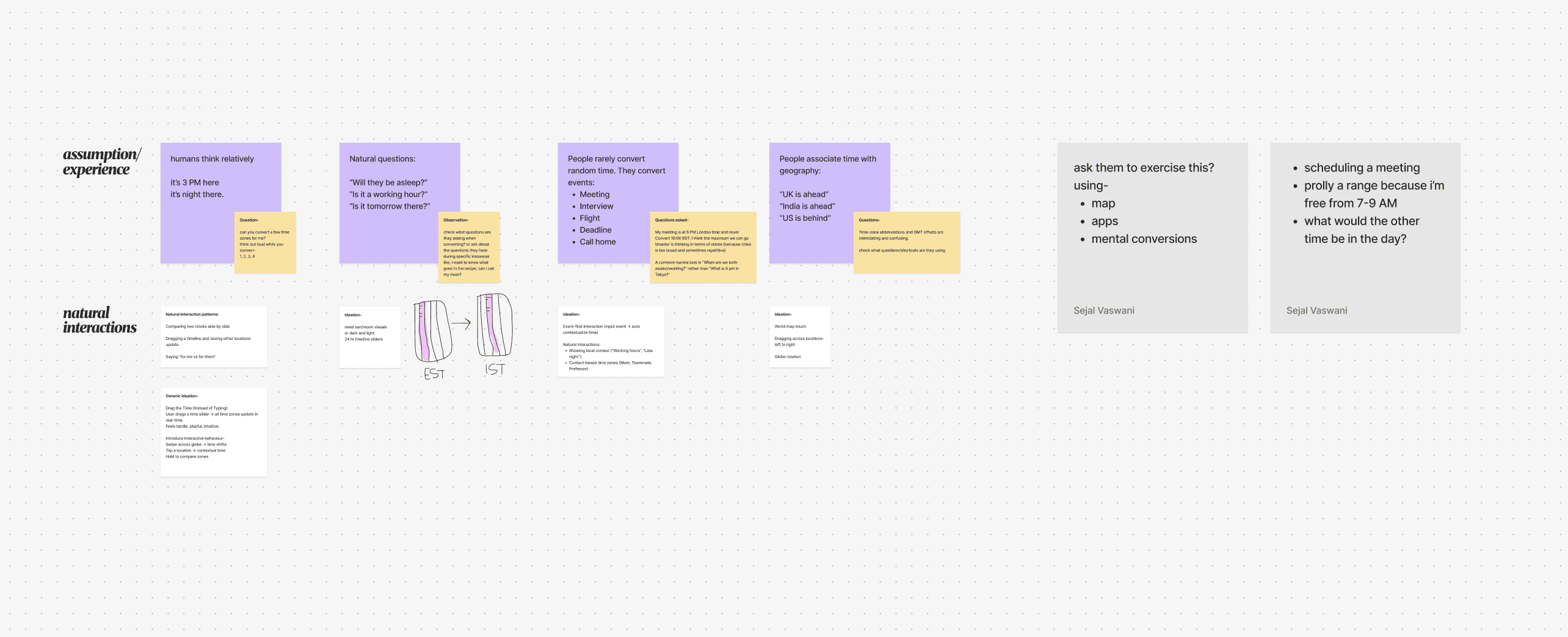
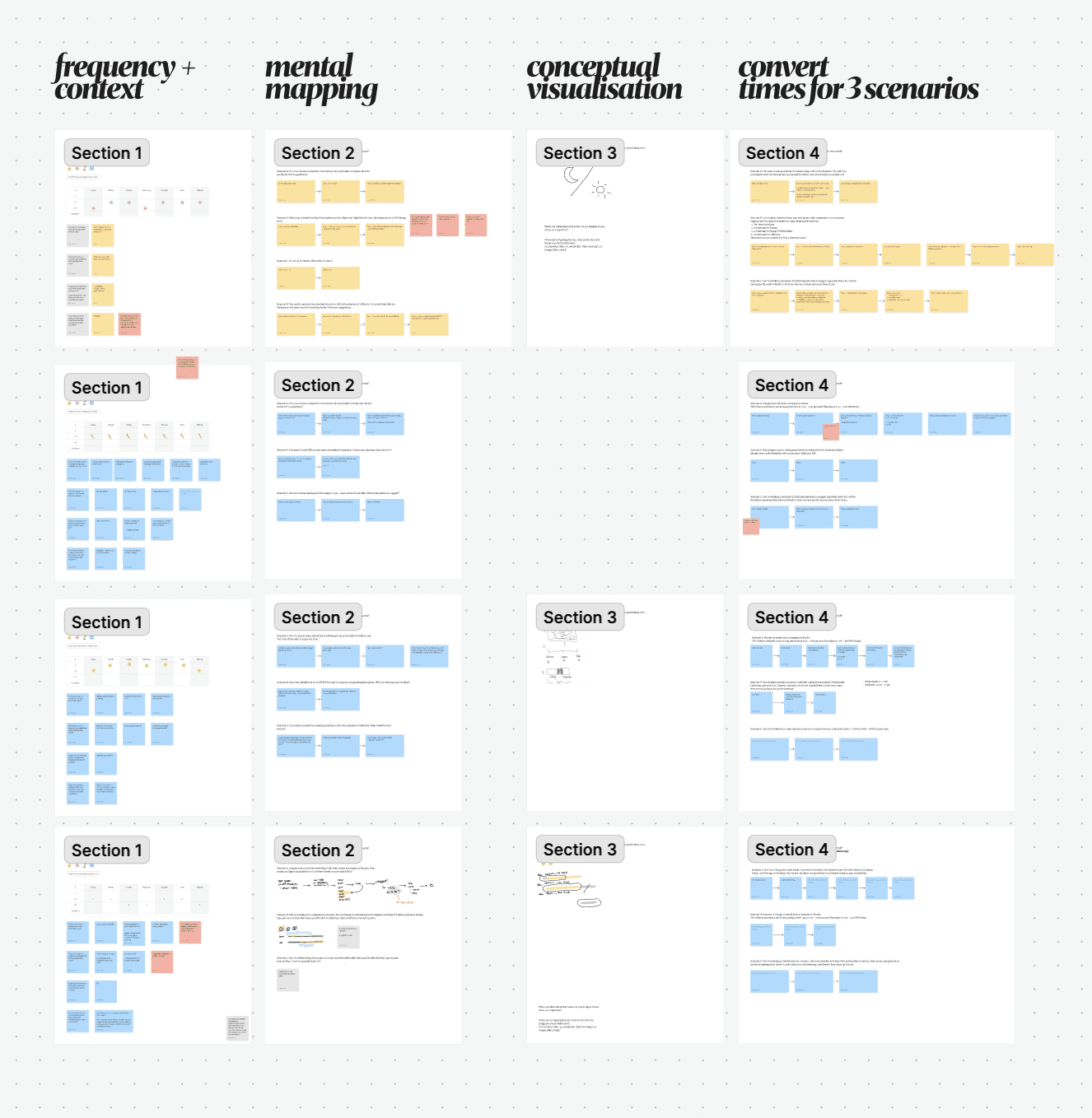
ex 1/ figjam—my assumptions (purple), research questions (yellow) and natural interaction patterns (white).
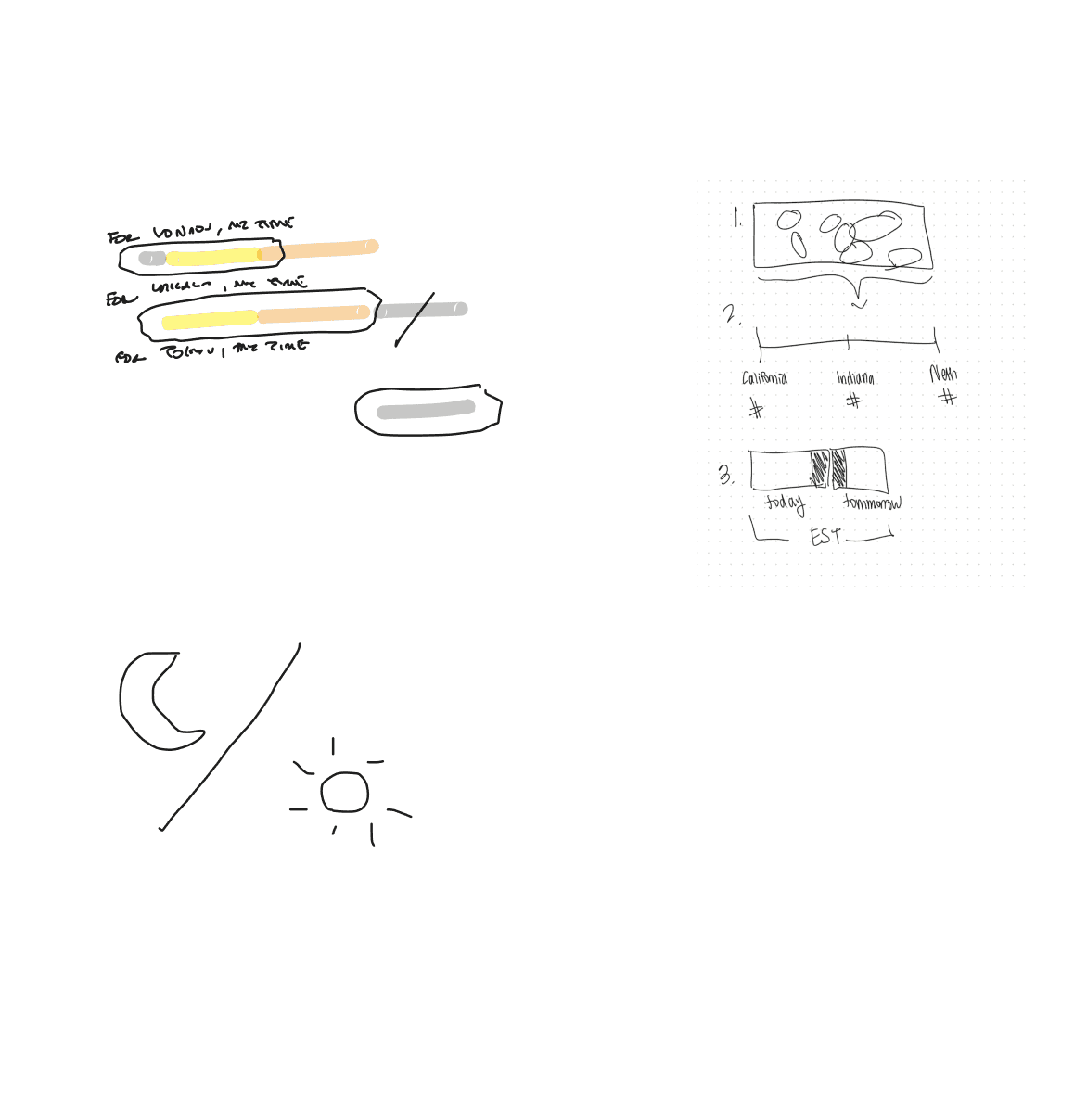
ex 2/ how participants drew time zones in the co-design workshop.
INSIGHT
participants pictured time on a scale, like a flow, and thought in day and night.
humans think in context: calling parents at off hours, or respecting a client’s work hours.
PROCESS
1/ co-design with the people who convert time zones.
i ran a co-design workshop with 5 participants on how often, why and how they convert time zones. for 3 scenarios, each one walked me through their mental process, then sketched how they picture it.
PROCESS
2/ design for context, not conversion.
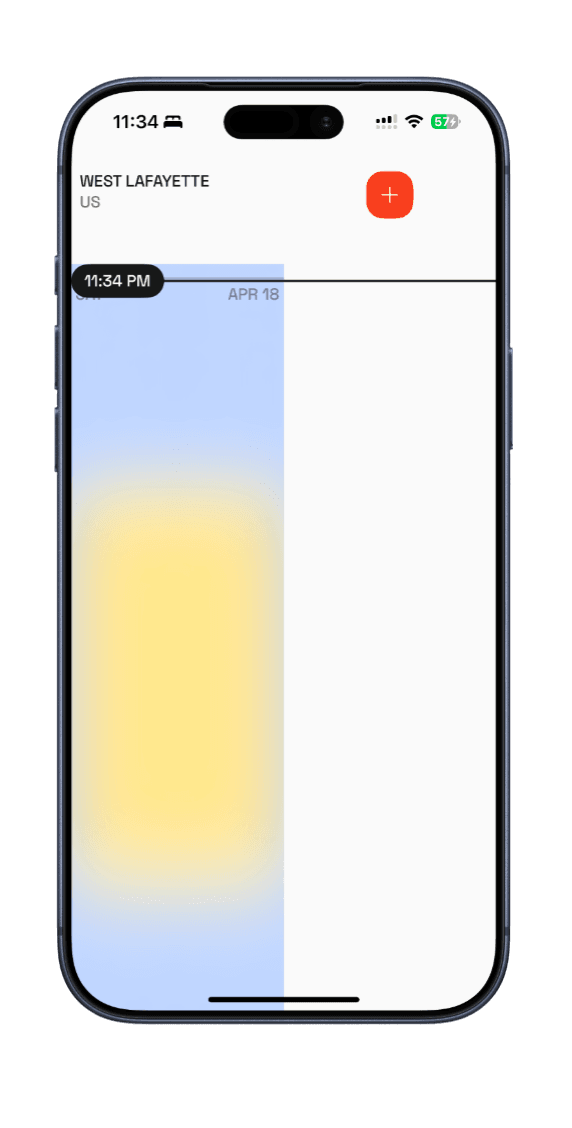
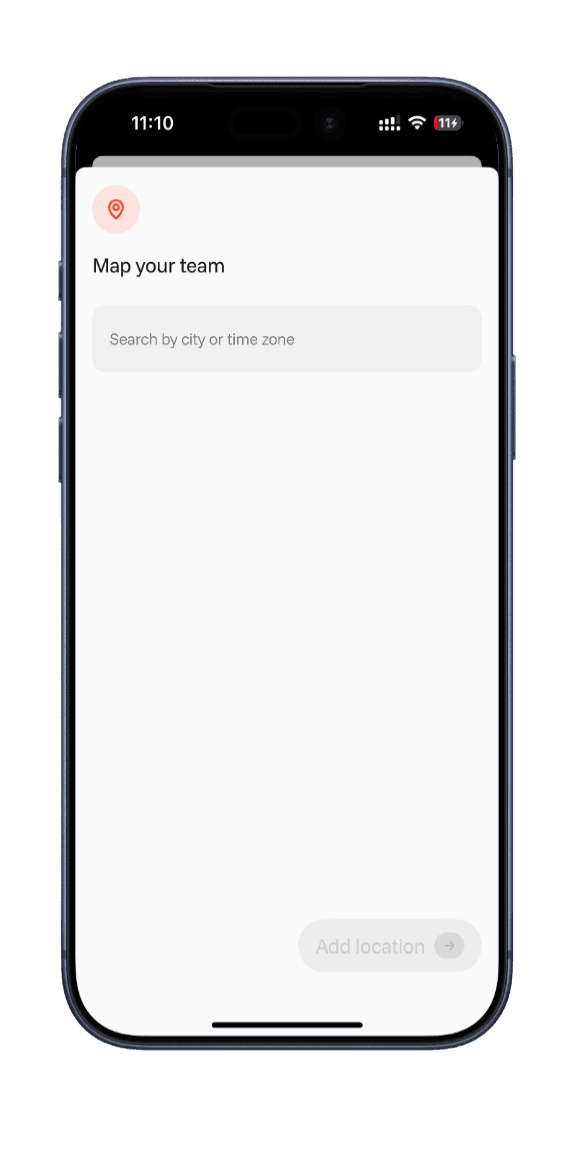
since people think in day and night, tyme shows each place as a column of time, coloured by day and night, with one line marking now across all of them. using it takes three steps: open the app, add locations, decide.
PROCESS
3/ from Figma to a working app.
i took the Figma prototype into SwiftUI with Figma MCP and Claude Code, with API-driven states, then ran think-aloud tests with 5 users and iterated on what they found.
OUTCOME
a working app, shaped by real people.
tyme runs on iPhone, built in SwiftUI. five think-aloud sessions shaped the version shown here.
05
think-aloud tests that shaped the final version.
03
steps to a decision: open the app, add places, decide.